(c) Copyright by OpusXenta Pty Ltd. All rights reserved.
Summary
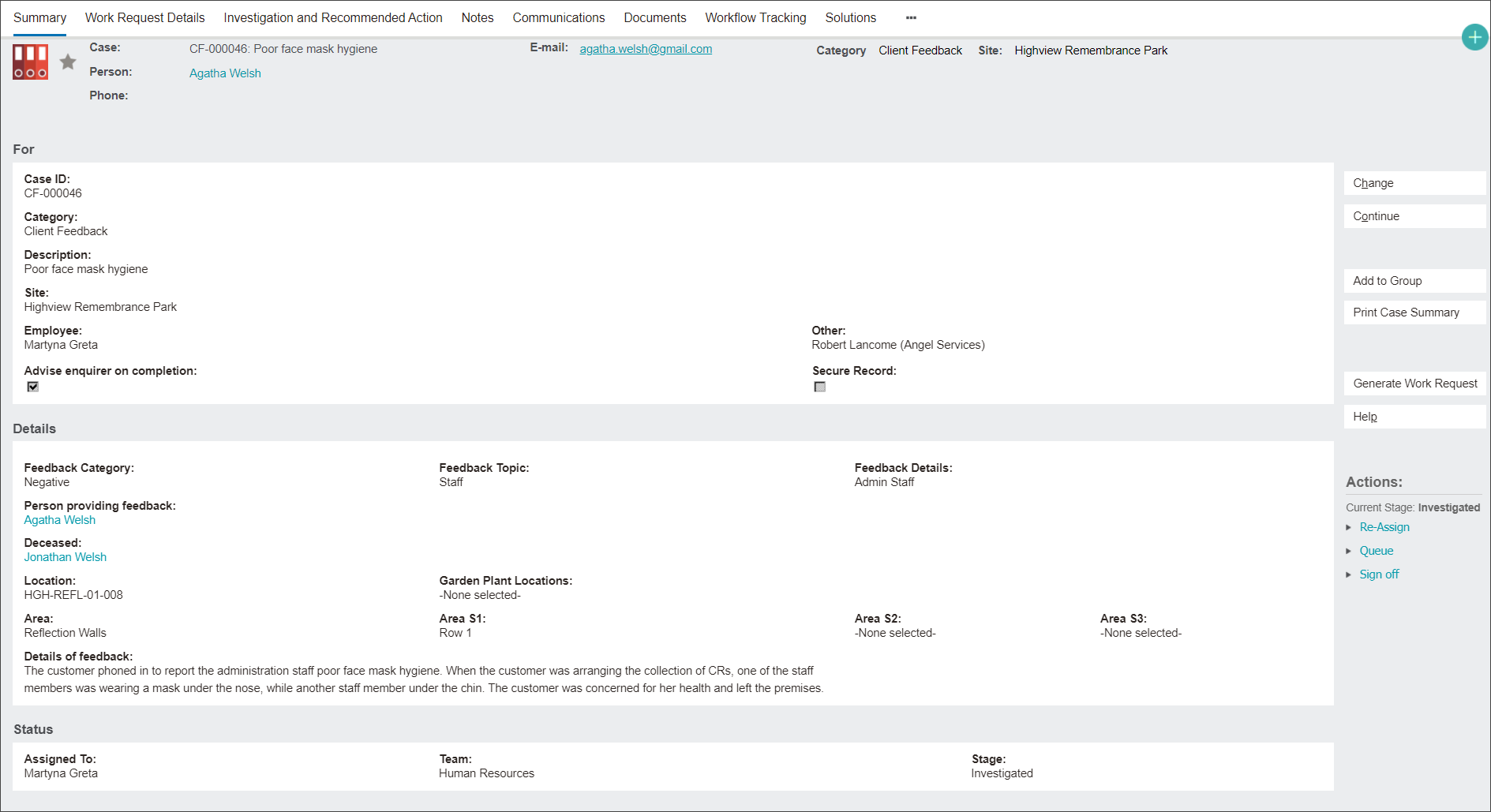
The Summary tab captures most of the record’s information.
From this tab you can perform the following tasks using functions on the right side of the screen:
Changing attributes of the record by clicking the Change button to enter a change screen.
2. Moving to the next case record by clicking the Continue button.
3. Creating a Works Request record related to the Client Feedback by clicking the Generate Works Request button and following the prompts on the new Case screen.