Link to Primary Location
Once the individual locations are created, the individual / group locations can be linked back on the primary location.
There are two options:
-
From the Location Summary choose the Add Group Locations button on the right-hand side of the screen.
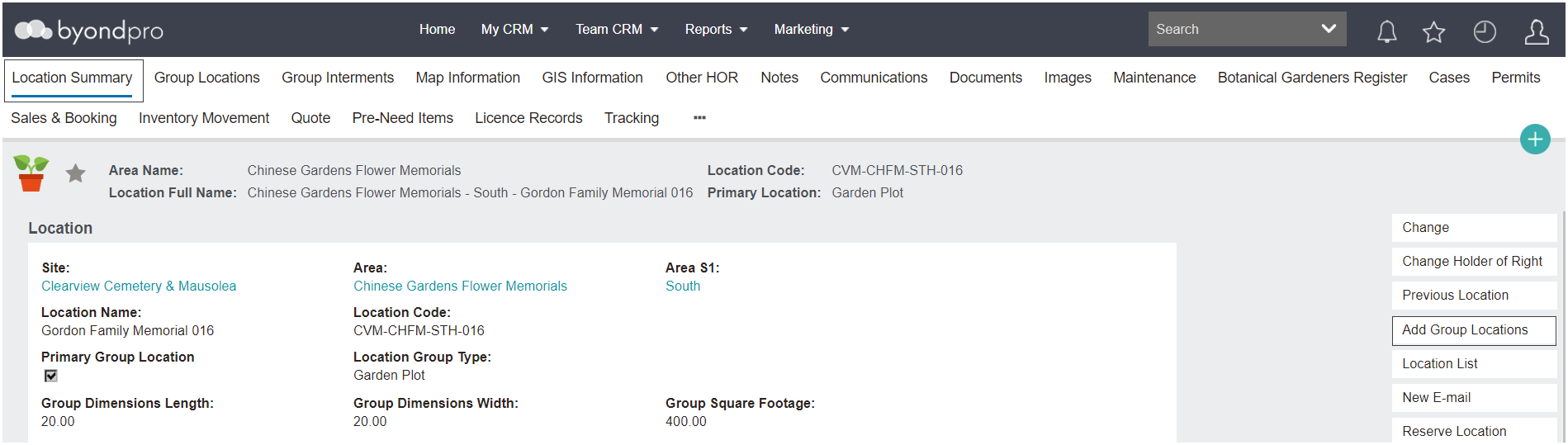
-
Alternatively, from the Group Locations Tab choose the Add Group Locations button on the right-hand side of the screen.

Enter the location code or use the search / find options to add the location code on this screen.
Choose Save to add the group location link to the primary location.
