(c) Copyright by OpusXenta Pty Ltd. All rights reserved.
Advanced Revenue Recognition Method
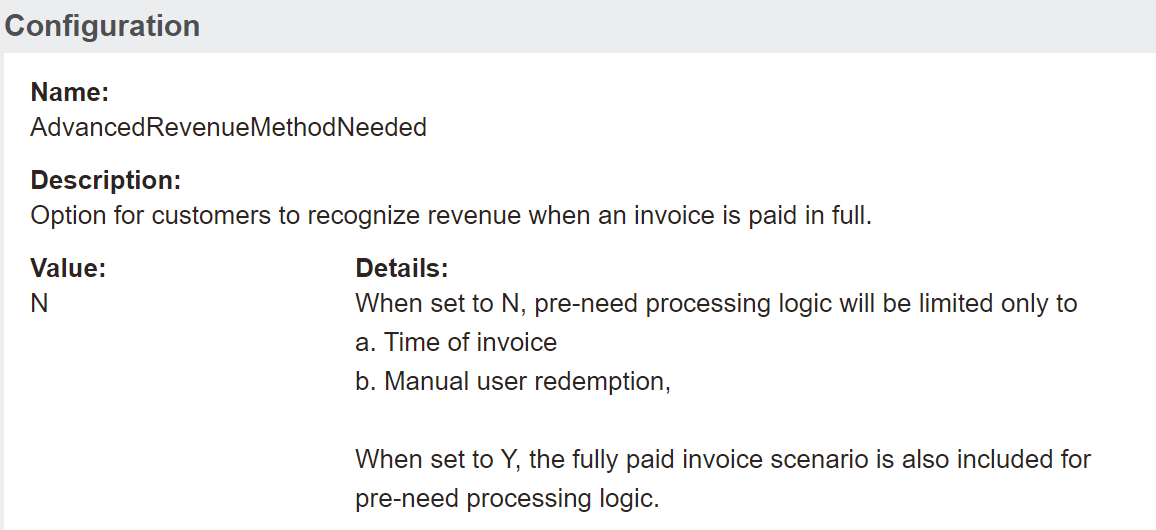
The AdvancedRevenueMethodNeeded configuration is where to configure whether the advanced revenue recognition method is used or not.
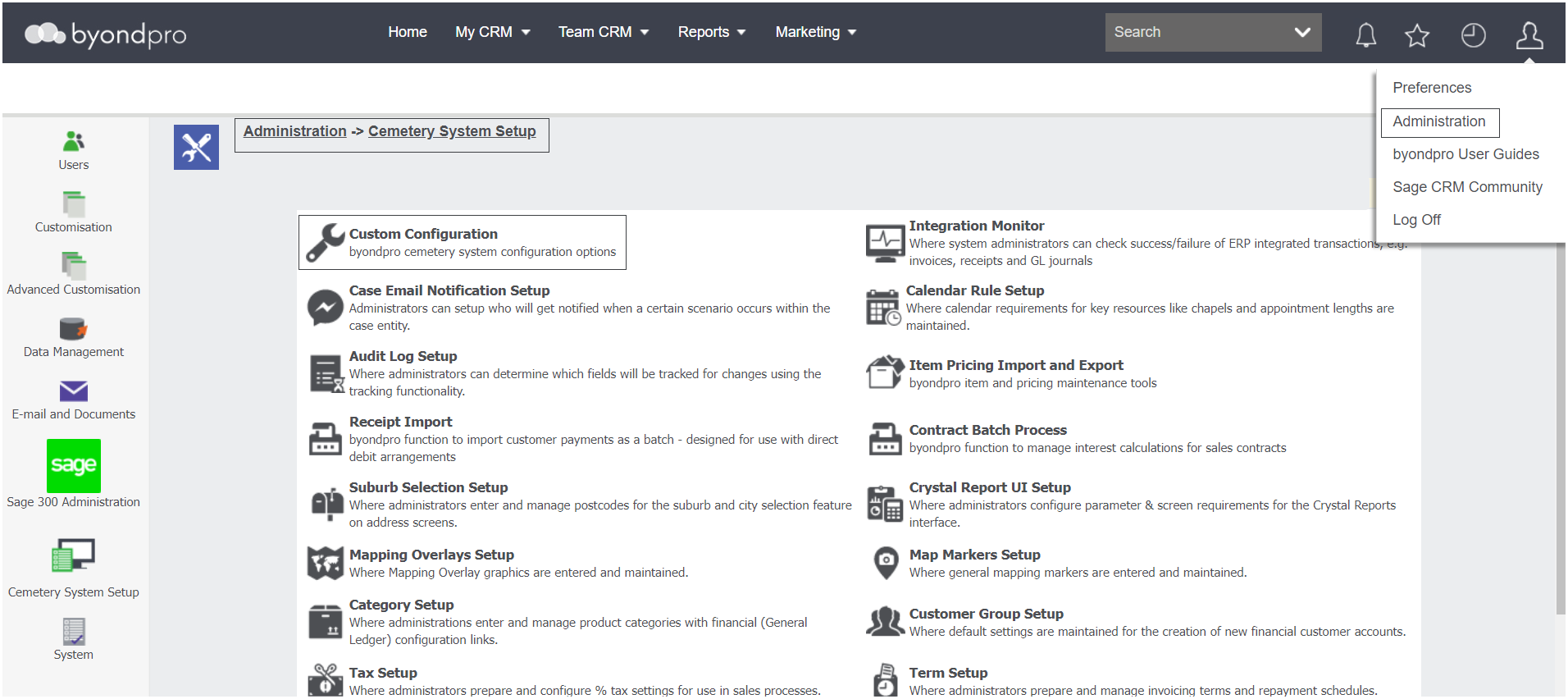
Navigate to Administration > Cemetery System Setup > Custom Configuration.
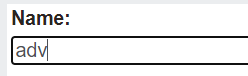
Using the Name search field, type in adv.
Press Find on the right-hand side of the page.
The list should be filtered down to just one configuration of AdvancedRevenueMethodNeeded.
As shown below options are to configure as either Y or N.
To explore how byondpro recognises revenue based on a yes or no setting, visit the Advanced Revenue Recognition Method section of the Category section of this guide.